Screen Visualizer
See exactly how any game platform looks on any handheld screen — integer scaling, fill ratio, and pixel analysis.
Sega Dreamcast on Miyoo Flip
Analysis
Excellent fit — 1× integer scaling with no black bars (100% fill)
Screen Visualizer helps retro gaming enthusiasts check whether their handheld device can display classic game platforms at pixel-perfect quality. Simply select a device and a platform to instantly see the integer scaling factor, fill ratio, and whether black bars will appear. Supports all major platforms including GBA, PS1, SNES, NES, Game Boy, PSP, NDS, and more — across all popular handhelds.
How It Works
Integer Scaling
Integer scaling means each source pixel maps to an exact whole number of display pixels (e.g. 2×, 3×, 4×). This produces the sharpest, artifact-free image with no blurring or distortion.
Fill Ratio
Fill ratio shows what percentage of the screen is used by the game image at the best integer scale. A higher fill ratio means less wasted screen space and a more immersive experience.
Black Bars
Black bars appear when the game's aspect ratio doesn't perfectly match the device screen. Horizontal bars appear above/below (letterboxing), vertical bars appear on the sides (pillarboxing).
All Combinations
Click any cell to see the full pixel fit analysis for that device/platform combination.
Browse all 11 × 13 = 143 device/platform combinations
| Device | DC | GBA | GB | GG | N64 | NES | GBC | NDS | PS1 | PS2 | PSP | GEN | SNES |
|---|---|---|---|---|---|---|---|---|---|---|---|---|---|
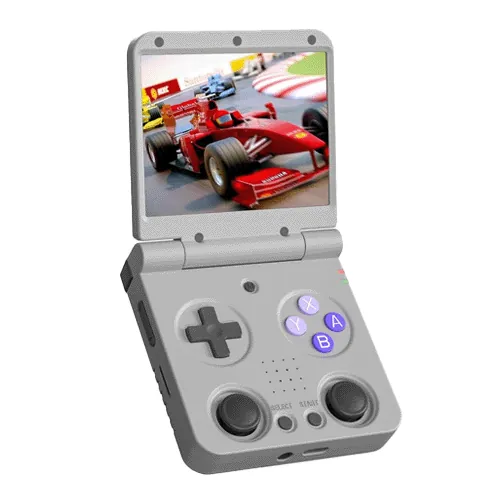 Miyoo Flip Miyoo Flip | 1× | 2× | 3× | 3× | 2× | 2× | 3× | 2× | 2× | 1× | 1× | 2× | 2× |
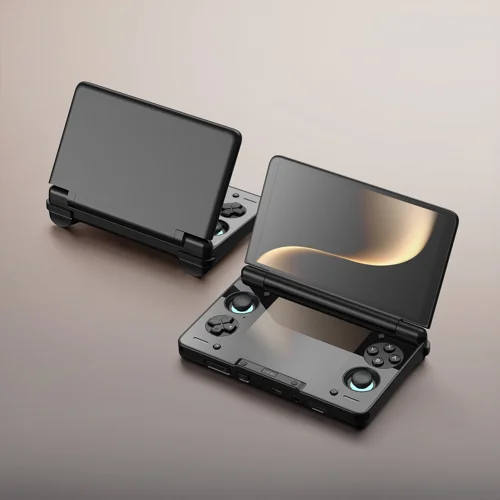 AYN Thor AYN Thor | 2× | 6× | 7× | 7× | 4× | 4× | 7× | 5× | 4× | 2× | 3× | 4× | 4× |
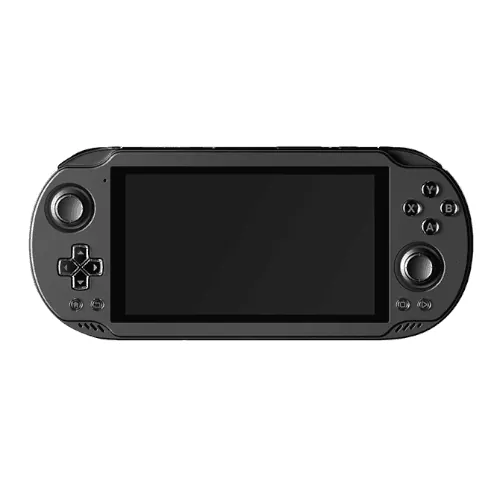 AYN Odin 2 Mini AYN Odin 2 Mini | 2× | 6× | 7× | 7× | 4× | 4× | 7× | 5× | 4× | 2× | 3× | 4× | 4× |
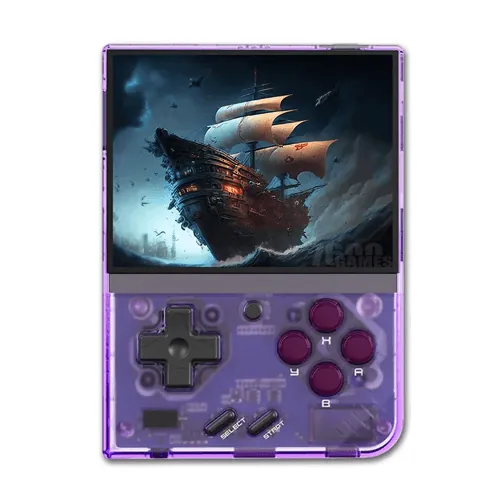 Miyoo Mini Plus Miyoo Mini Plus | 1× | 2× | 3× | 3× | 2× | 2× | 3× | 2× | 2× | 1× | 1× | 2× | 2× |
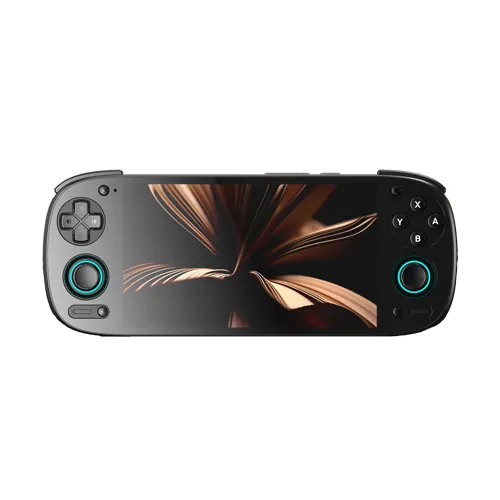 Retroid Pocket 5 Retroid Pocket 5 | 1× | 4× | 6× | 6× | 3× | 4× | 6× | 4× | 3× | 1× | 2× | 3× | 4× |
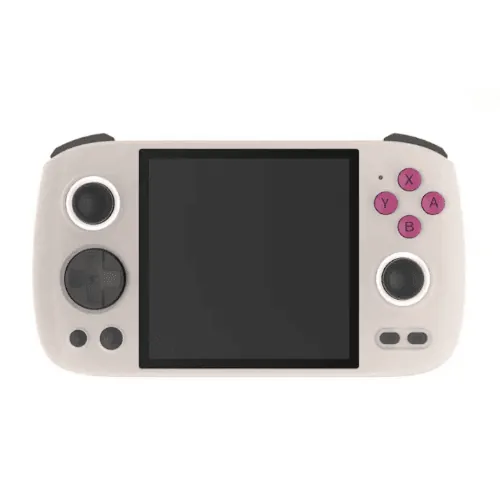 Anbernic RG Cube Anbernic RG Cube | 1× | 3× | 4× | 4× | 2× | 2× | 4× | 2× | 2× | 1× | 1× | 2× | 2× |
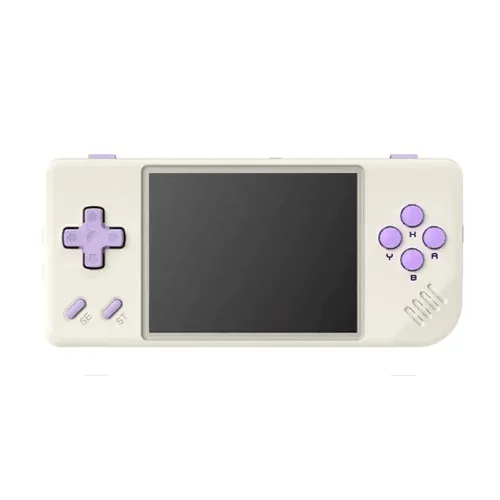 Anbernic RG28XX Anbernic RG28XX | 1× | 2× | 3× | 3× | 2× | 2× | 3× | 2× | 2× | 1× | 1× | 2× | 2× |
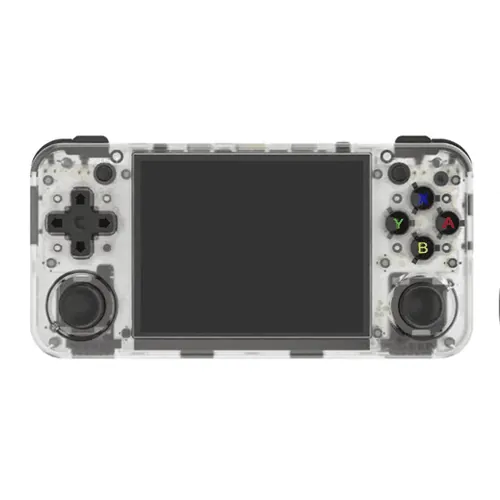 Anbernic RG35XX H Anbernic RG35XX H | 1× | 2× | 3× | 3× | 2× | 2× | 3× | 2× | 2× | 1× | 1× | 2× | 2× |
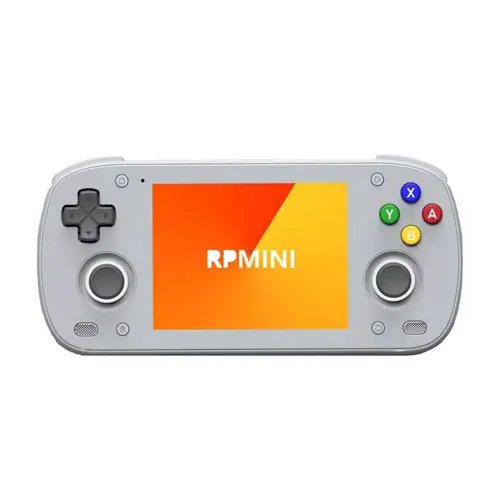 Retroid Pocket Mini Retroid Pocket Mini | 1× | 4× | 6× | 6× | 3× | 4× | 6× | 4× | 3× | 1× | 2× | 3× | 4× |
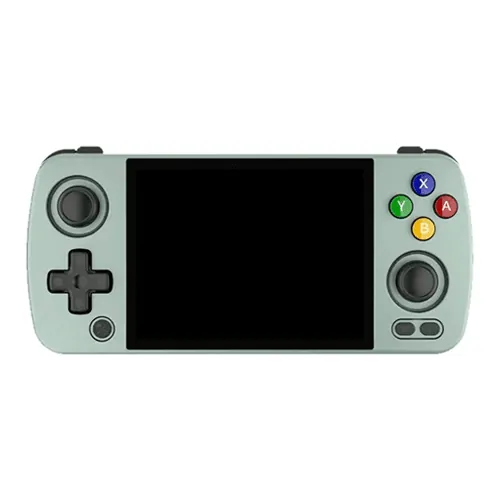 Anbernic RG405M Anbernic RG405M | 1× | 3× | 4× | 4× | 2× | 2× | 4× | 2× | 2× | 1× | 1× | 2× | 2× |
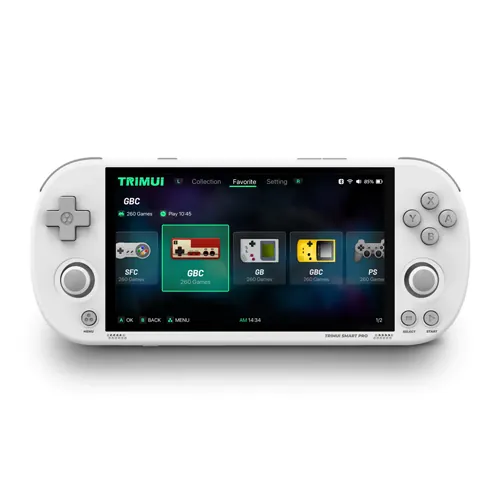 TRIMUI Smart Pro TRIMUI Smart Pro | 1× | 4× | 5× | 5× | 3× | 3× | 5× | 3× | 3× | 1× | 2× | 3× | 3× |